Any show you work on can have a unique look and feel with personalized design and branding. Don’t have a Streamyard account yet? No worries, your girl’s gotcha covered with my affiliate link, so you can get going (and P.S. I know you’ll love it… so easy and fun, everyone does!):
🎬 Try Streamyard: https://ileane.link/streamyard
I can’t believe you can create up to 8 layouts, but my favorite thing is the dynamic grid feature.

Wait, There’s Even More in Store
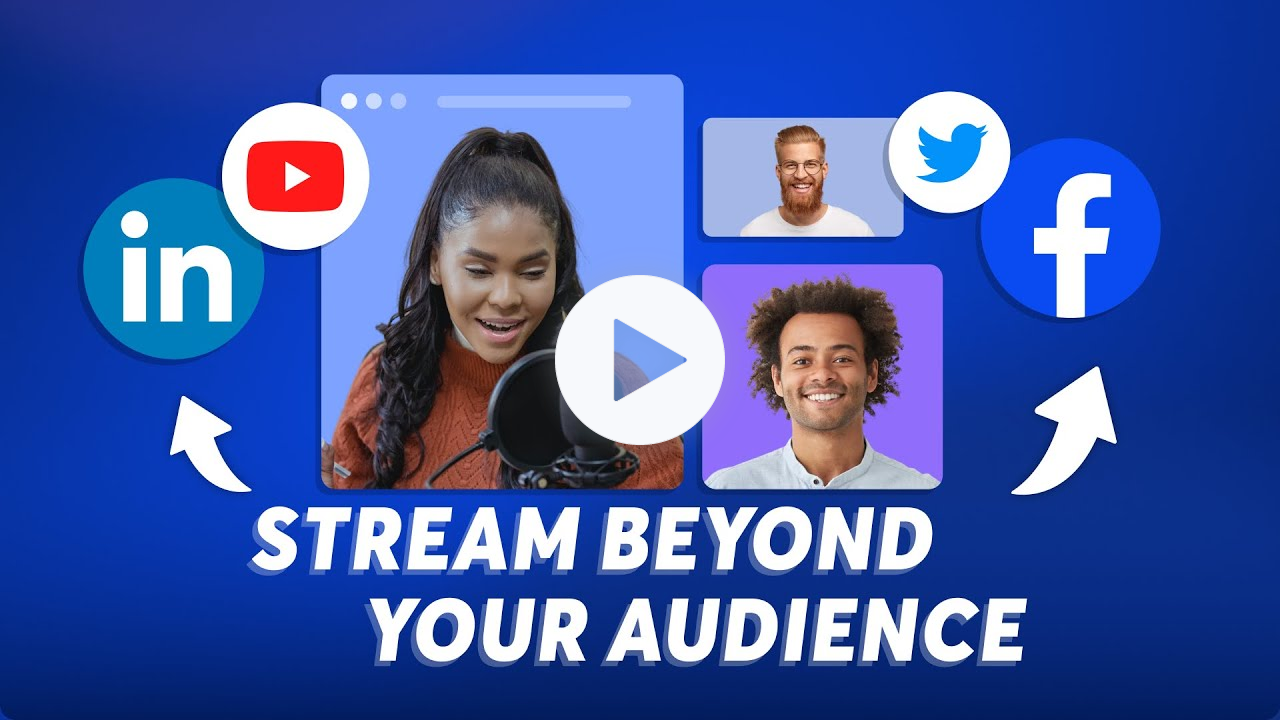
Another new feature Streamyard just announced is called “Guest Destinations.” Oh my, this is helpful.
Because what this means is the ability for your show guests to ALSO connect easily to destinations on their social platforms in a clickety-click. Whew. Now you can reach and share audiences and great information even further. Thanks, Streamyard!
Of course, other nice things about sharing to other folks’ social channels when you’re livestreaming are that it helps grow
the conversation and gives you an opportunity to hear from new voices.
Guests can connect with up to two of the destinations Streamyard connects with, like Facebook, YouTube, LinkedIn, etc., with a total of 6 guest destinations per show. (This is on top of all the destinations you already connect with, so don’t worry about
that.)
You do have to enable this feature on your admin panel by clicking on it via the “guest”
tab on the left side panel of the “settings” dropdown menu.

For the lesson, check out Dana again: