Greetings friend,
Ms. Ileane here,
dropping into your inbox to deliver the latest digital scoops directly. I think you'll like this week's top tips for Canva AND StreamYard, too!
Canva is Always on the Move, Lucky for Us
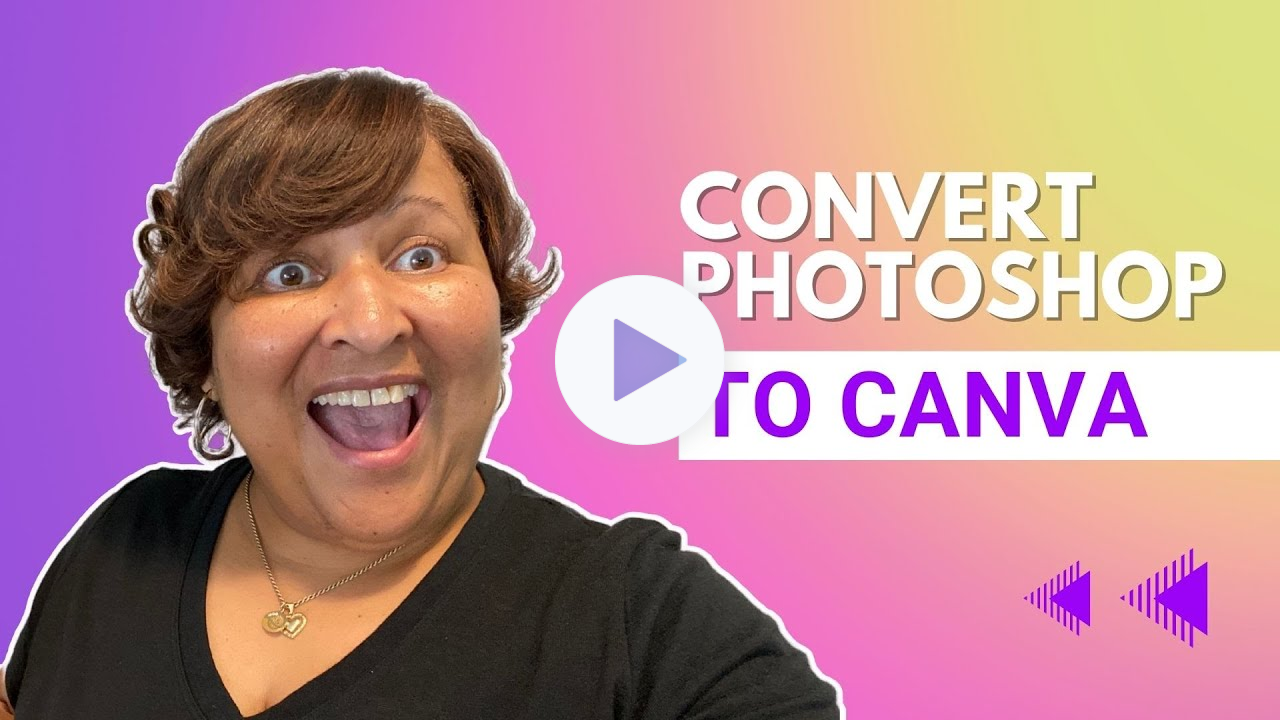
Canva democratizes the design world for nondesigners but, with this new feature, Canva is giving you the best of both worlds allowing you to bring PhotoShop files into your Canva projects. The new import feature allows many of you to pull photoshop images, files, and visuals into your Canva projects for everyday uses like social media.
This is still new to Canva, and they are asking for feedback. My findings are some work well, some do not! In some cases, you may have to make font
adjustments.
But for many, converting files from things like Photoshop, and also now your
Powerpoint presentations too, will prove very helpful for creating quick and easy adjustments, or brand new visuals within Canva.
Combining the sophistication of the Photoshop software into Canva, known for ease and flexibility, is game changing for you beautiful people!
Canva Pro, at a nominal cost, is perhaps the best way to go for many creators.
Here’s my affiliate link so you can to grab it now: https://ileane.link/canva
Check This Out for More Details: