I still love creating videos and learning about all things digital! And, of course, sharing it all with you. Thanks for hanging with me, I'm truly grateful.
There’s still a lot to learn, you know? So, I’ve got a hot tip right off the bat for YOUR YouTube channel. I
think you’re going to absolutely love this one!
Hot Tip
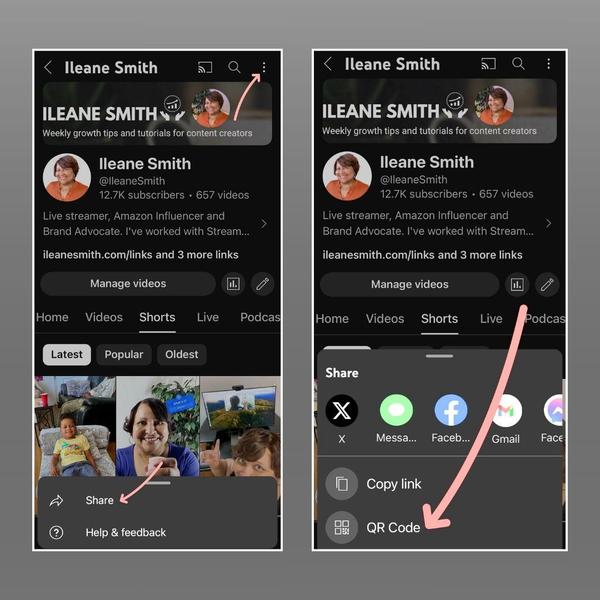
First, grab your mobile phone because that’s where to set this up for your YouTube channel.
Next, on your
YouTube phone App, go to your channel, click the down menu from the three dots on the top right corner, hit share, and then, just like magic, grab the QR Code for your channel. WOW, right?
QR CODE, Anyone?
On mobile - go to your channel. Click 3 dots > Share > QR Code
Takes the Cake
Getting your QR Code that easily sure is cool, but so are some of the imaging tools for AI these days. Often, visuals are the icing on your content cake!
And, I’ve been busy experimenting. Let’s start with the cake graphic above. It was created with good ole Canva. But, not in the good ole way you’re used to, because the image was created using a text prompt with the magic AI tool for image creation right in Canva.
The nice thing is
that using this “magic” makes this image unique, created by the words from my prompt, so it’s original, but I can select different styles, like “cartoon” or something if I prefer to change the design concept. I also like that I can add text and objects, change color modes, or do lots of other edits and additions to the design easily using Canva.
I tested
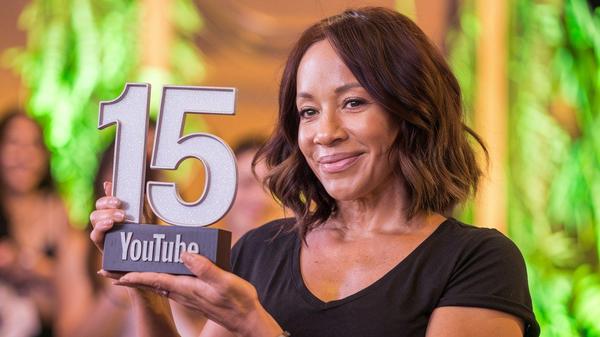
a few more AI image tools. This is what I got using Grok (which is a perk of Twitter's paid subscription). Just as I expected, most of these AI image tools struggle with generating middle-aged black women and Grok is no exception. These two gals look like they are in their twenties.
This gal is supposed to be 60 and I have no idea what those words are on the trophy
What do you think?
If you haven’t played around with MidJourney yet, they made it easier to sign up from the web so you no longer need to use Discord. My favorite is still Ideogram especially when it comes to generating
text on images without typos or made-up words!
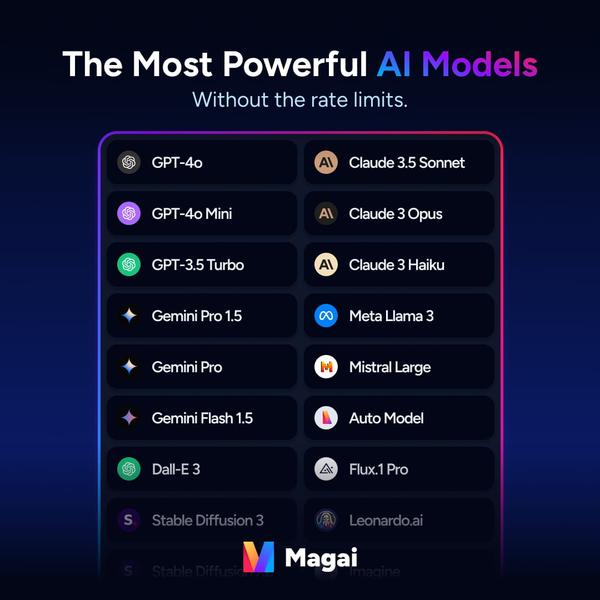
I was thrilled to hear that it will soon be integrated with Magai(affiliate link). Dustin Stout has done such an amazing job of making Magai a one-stop-shop for all the best AI models for generating text and images!
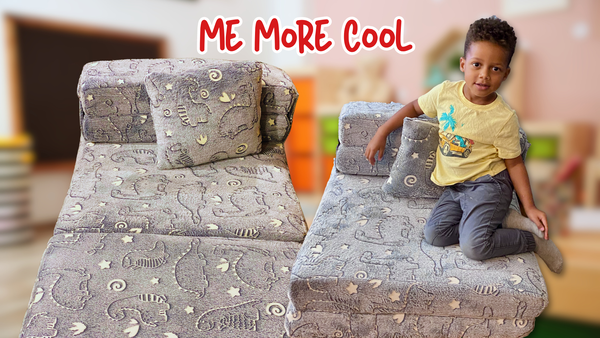
I hope you’ll celebrate this 15-year milestone with me. My latest video features my adorable 4 year old grandson Joseph!
Please, ask me any questions, give your feedback, and let me know what AI tools for images you’re using these days. You can always reply to my emails:)
NOTE: Some of the links mentioned above may be affiliate links, which means that if you choose to make a purchase, I will earn a commission. This commission comes at no additional cost to
you.