Facebook: Here's How to Create Your Avatar
Step 1: Tap the three horizontal lines in the bottom-right corner of the screen.
Step 2: Scroll down and tap “See More.”
Step 3: Tap “Avatars.”
Step 4: Tap “Next.”
Step 5: Tap “Get Started.”
Step 6: Tap one of the skin tone options (you can scroll to see them all), and then tap “Next” at the bottom of the screen.
Once your avatar has been created, you can share it in your news feed on Facebook or set it as a profile photo.
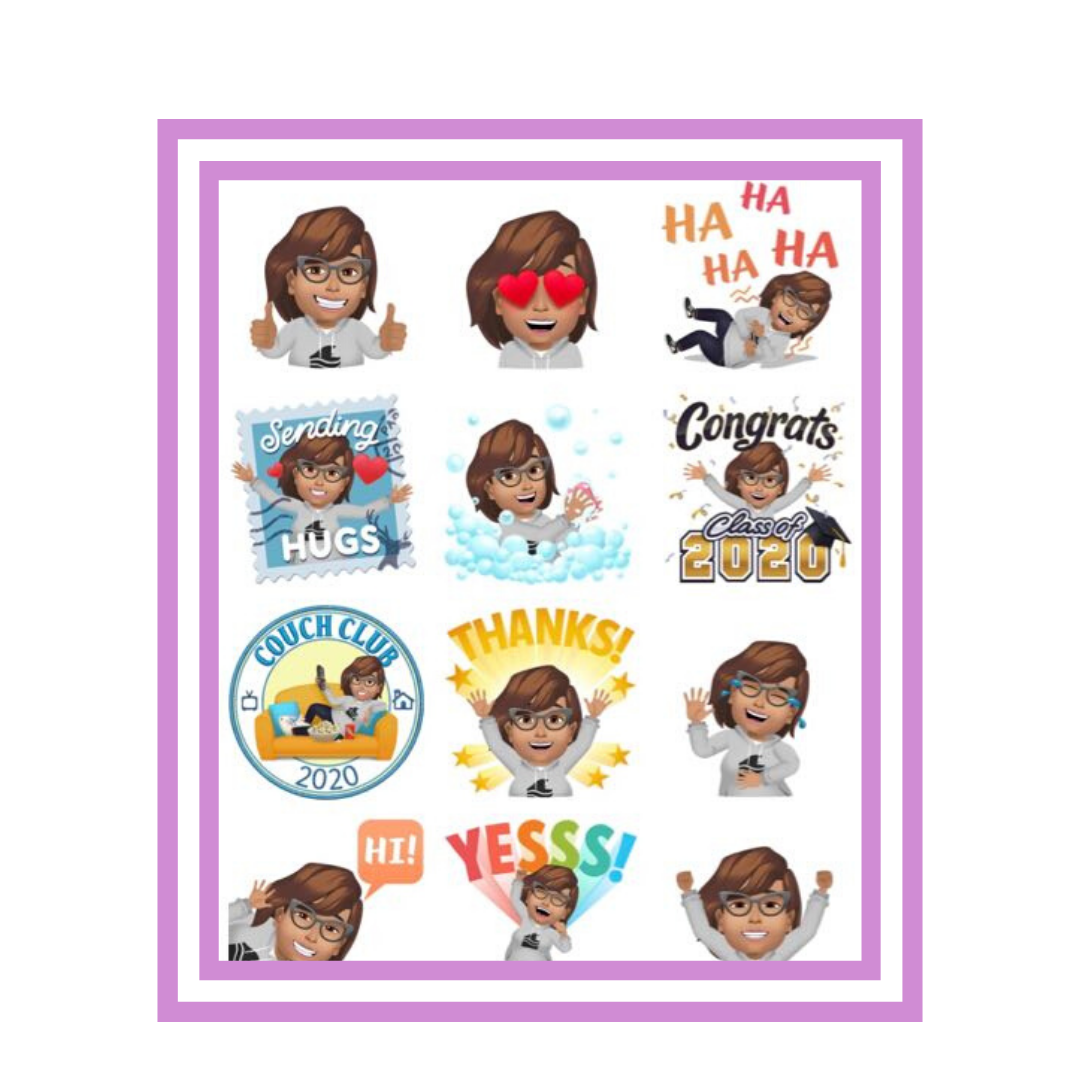
In addition, Facebook will automatically add a large number of stickers to your gallery so that you can send them by Messenger or place them in the comments. You can also send these stickers as images on other platforms such as WhatsApp, Instagram or Twitter.
If you want to learn step by step, how you can create your Facebook Avatar check out the video where I will show you step -by-step: