Hello beautiful friend!
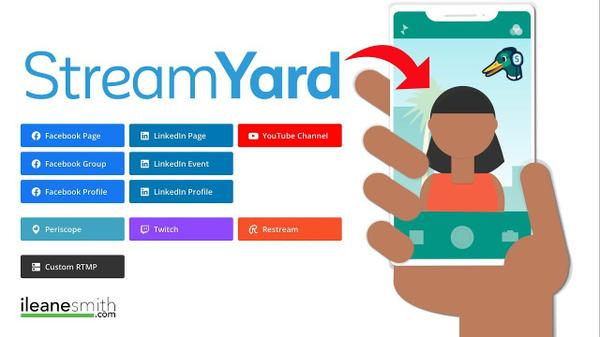
Now, we all can agree that using live video is the best way to connect with our audience. This why using Streamyard can make it so much easier. In case you are not familiar with Streamyard, it's this cool platform, that allows you to go live from your browser to different social media platforms such as
Facebook, YouTube, and even LinkedIn.
By now you are wondering, "ok Ms. Ileane so what is all the buzz about?"..... Well I am super excited to share with you how you can go live with Streamyard from your phone and big tips to avoid the mistakes I made when I first tried it.
Btw - if you want to get right to watching the video tutorial about "Streamyard Mobile Live Streaming [AVOID THIS MISTAKE]", click >>here<<
What You Need To Know
- There is no app: If you have an Phone use Safari, Android use chrome.
- Set up your stream from your desktop in advance.
- Create your thumbnail in advance if you are planning to go live on YouTube.
- Rotate your phone so the camera is facing you and on your left.
- All your controls will be on the right.
- You have options for guest: add, mute, remove.
- Send your guest info such as link in advance
Remember to tap the thumbs up to give the video, and if you are new to my channel tap to subscribe and tap the bell to get notifications of new videos!
Let me know how you like it!
Stay Beautiful!
~Ms.Ileane
[Some of the links mentioned above are affiliate links, which means that if you choose to make a purchase, I will earn a commission. This commission comes at no additional cost to you.]
You received this email because you signed up for my updates on
If you no longer wish to receive helpful tips and articles please unsubscribe with the link below.
Thank you.
|
|
|
|