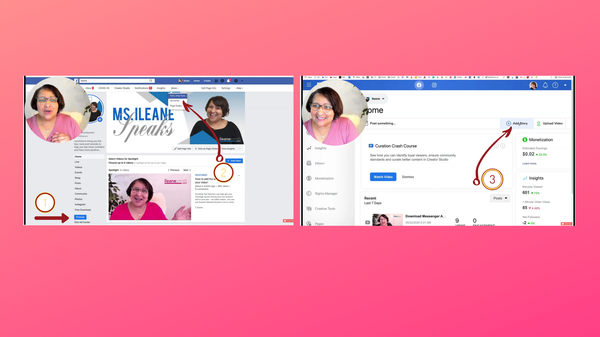
How to access the Facebook Creator Studio From Your Desktop:
Step 1-Go to your FB business page
Step 2-Go to Creator Studio>>> Access the creator studio by going to publishing tools. Sometimes the publishing tools option is on the side bar on the left of your screen or if you hit "More" it might be under the drop down list.
Step 3- Click on "Add to your story" and start creating.
Btw - if you want to get right to watching the video about how to "Add Clickable Links to Facebook Page Stories from Desktop", click >>here<<