,
Live streaming is an extremely popular way to reach your audience. But what happens when you are the creator, host, and producer all at once? It can feel overwhelming and have a direct impact your on confidence. That's why I'm so glad I use a stream deck when I go live. It reduces my stress levels and helps me feel super cool and confident on camera!
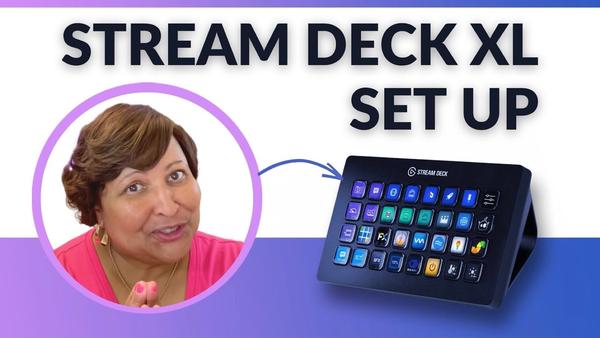
For me the best way to describe the Elgato Stream Deck, is by comparing it to a keyboard. Depending on the software you're streaming with (I use Ecamm Live) it will help you easily, trigger sound effects, put comments on screen, display and hide graphics, switch scenes or layouts, and so much more -- all with the push of a button! This gives you the freedom
to focus on your content rather than on the show production.
The Stream Deck comes in a few different sizes (amount of buttons). You can also download the Stream Deck app for your iPhone or iPad. I want to invite you to set up the Elgato Stream Deck XL to work with the Ecamm Live plugin with me (link below)!
Btw, if you want to skip and go straight to the video tutorial about "How to Set up the Stream Deck XL with Ecamm Live", click >>here<<
[How did you manage to survive Facebook-gate 2021?]
Stay Beautiful!
~Ms.Ileane
P.S.: Our friends at Streamyard are also working to create hot keys and stream deck integrations
[Some of the links mentioned above are affiliate links, which means that if you choose to make a purchase, I will earn a commission. This commission comes at no additional cost to you.]
You received this email because you signed up for my updates on
If you no longer wish to receive helpful tips and articles please unsubscribe with the link below.
Thank you.
|
|
|
|